
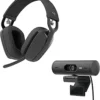


Description
What This Bundle Actually Is
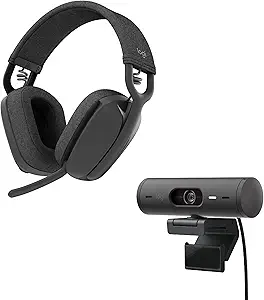
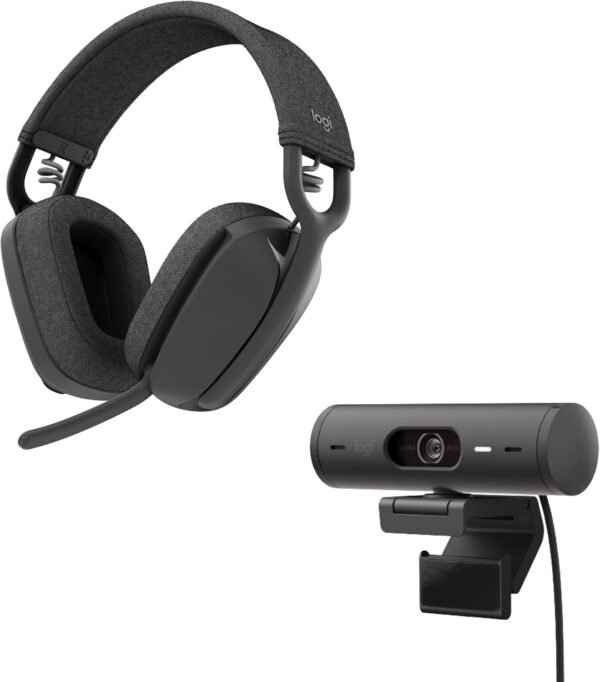
The Logitech Brio 501 and Zone Vibe 100 pairing is sold as a single meeting kit rather than as a headphone product on its own. One half is a Full HD webcam, the other is a lightweight wireless over-ear headset, and Logitech positions the combination at people who spend a large part of the working day on Microsoft Teams, Google Meet or Zoom. That framing matters, because the two halves are engineered around conference calls rather than around music listening, and the spec sheet reflects that priority throughout.
Anyone shopping this listing purely for a set of headphones should understand what they are paying for. The Zone Vibe 100 is a business headset with 40 mm drivers and a boom-free noise-canceling microphone array, not a critical listening product. Buyers who want a dedicated pair for music will find a more focused proposition in something like the Sony WH-CH720N wireless headphones, which spend their entire budget on the audio side. The wider over-ear headphones category collects those alternatives in one place.
The Camera Half: Brio 501
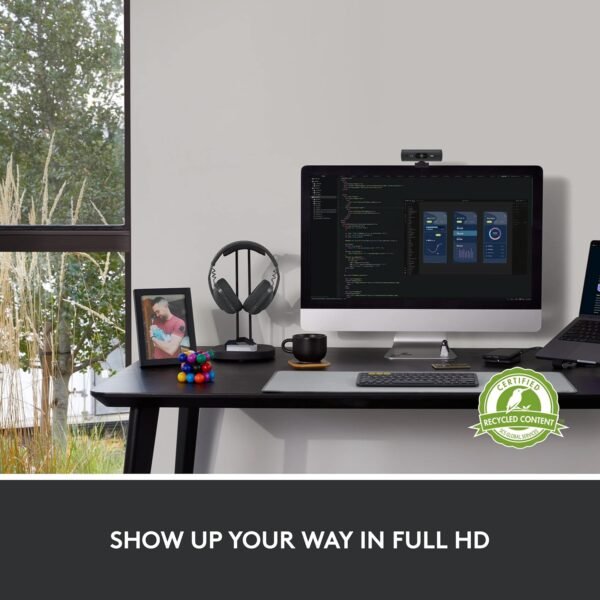
Logitech lists the Brio 501 as a Full HD 1080p webcam built around RightLight 4, the company’s automatic exposure system. According to Logitech, RightLight 4 reads the ambient lighting in the room and adjusts the image so a subject stays visible when the only light source is a window behind them or an underpowered desk lamp. That is a software correction rather than a larger sensor, so the realistic expectation is a usable image in poor light rather than a bright one.
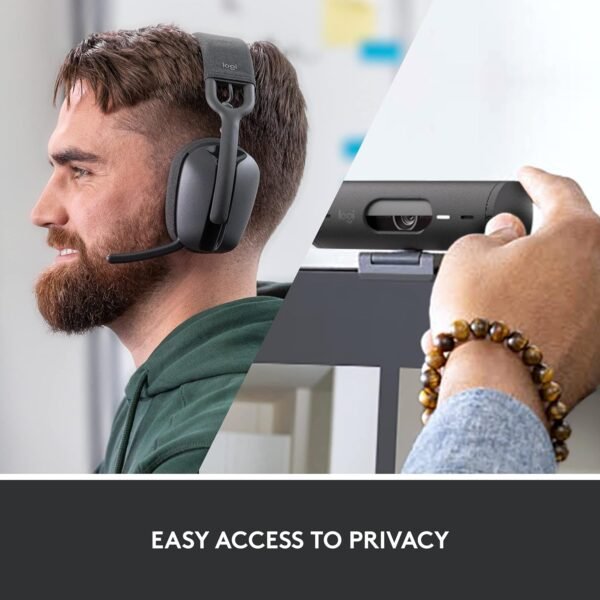
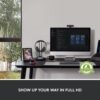
Two hardware details on the camera stand out in the listing. The first is an integrated privacy shutter that physically rotates across the lens, which is a more reassuring answer to camera privacy than a software toggle. The second is Show Mode, which lets the camera be tilted down by hand to frame a desk surface, turning the webcam into an improvised document camera for sketches or physical samples. Logitech states plainly that Show Mode requires the Logi Tune application and that Logi Tune is not available for Chrome OS, so the feature is conditional rather than universal.
The Audio Half: Zone Vibe 100
The headset side is specified with 40 mm drivers, which Logitech describes as delivering deep bass and crisp highs with low distortion. Those are the manufacturer’s words rather than a measured result, and 40 mm is a common driver size across the business headset market, so the sensible reading is competent call audio and acceptable background music rather than a tuning aimed at audiophiles. Comfort is where Logitech puts most of its emphasis, citing a featherweight build and memory foam earpads intended to survive back-to-back meetings.
Microphone performance is handled by dual omni-directional microphones with beamforming, a design that estimates the direction of the speaker’s voice and suppresses sound arriving from elsewhere in the room. This is the same broad approach found on other office headsets, including the Poly Voyager 5200 Bluetooth headset and the desk-bound Jabra Engage 65 stereo headset. Buyers who prefer something far less visible on camera often end up looking at true wireless office models such as the Jabra Evolve2 true wireless earbuds instead.
Battery, Connectivity and Software
Logitech rates the Zone Vibe 100 at up to 18 hours of talk time on a single charge and attaches an explicit caveat that battery life varies with environmental and computing conditions. Eighteen hours of talk time is a different measure from eighteen hours of music playback, and the listing does not separate the two, so the figure should be read as a full working day of calls rather than as a hard guarantee.
Connectivity is Bluetooth with multipoint, meaning the headset can hold a link to two devices at once and move between them without a manual re-pairing step. That is genuinely useful for anyone whose calendar lives on a laptop while their calls arrive on a phone. The Logi Tune application supplies the customization layer, including headset voice prompts, and Logitech notes that those prompts currently ship in English, French, German, Italian, Spanish and Portuguese only.
Highlights
- Camera and headset in one purchase, which removes the guesswork of matching two brands for a meeting setup.
- Mechanical privacy shutter on the Brio 501 rather than a software-only camera block.
- RightLight 4 auto light correction to compensate for backlit or dim home offices.
- Show Mode repurposes the webcam as a downward-facing desk camera when Logi Tune is installed.
- Up to 18 hours of rated talk time with multipoint Bluetooth across two devices.
- Memory foam earpads and a light frame, the two things that matter most on long call days.
Things To Consider
The most obvious limitation is that this is a bundle, and the Amazon specification block behaves as though it is a single product. The series and model number fields both read “brio 501” even though the box contains a second device with its own model name, and the battery figure clearly belongs to the headset rather than the camera. Anyone reading the specification table on its own will come away with an incomplete picture of what is included.
- The webcam tops out at 1080p, so buyers who specifically want 4K capture should look at a different Logitech tier.
- Show Mode is gated behind Logi Tune and is unavailable on Chrome OS, which undercuts the feature for Chromebook-based workplaces.
- The 18 hour rating is a talk-time figure with an explicit variability disclaimer attached by Logitech.
- Voice prompts cover six languages, which may not suit every international team.
- The headset is tuned for speech, and buyers expecting a music-first signature are shopping the wrong product.
- The listing carries no water resistance rating, so this is an indoor desk product.
Who Should Buy It and Who Should Skip It
This bundle makes sense for a remote or hybrid worker who needs to solve video and audio at the same time and does not want to research two separate purchases. It also suits small organizations issuing a standard kit to new staff, since a single order number covers both halves and the Logi Tune management layer applies to both devices. The privacy shutter and the light correction are the features most likely to earn their keep in a real home office.
It is a weaker choice for anyone who already owns a capable camera or a headset they like, because half the money is then spent twice. It is also a poor fit for Chrome OS environments given the Logi Tune dependency, and for listeners whose main use case is music rather than meetings. Those buyers are better served by a dedicated pair chosen on sound alone, and the site’s computer headsets category is the right place to compare the call-focused options separately.